ScreenApp turns your audio into accurate text in seconds. Transcribe meetings, calls, and lectures online for free, then search, edit, and export transcripts instantly.
Convert audio to text easily in just 3 steps with free online audio to text converter.
Drag and drop a file or select one from your device. We support all major formats.
Receive your transcript with speaker labels and timestamps. Click on any word or sentence to edit.
Mmultiple formats supported—TXT, PDF, DOCX, JSON, SRT, or VTT.

Our AI agent will receive your file and handle it, your transcription will come very quick with amazingly high accuracy.
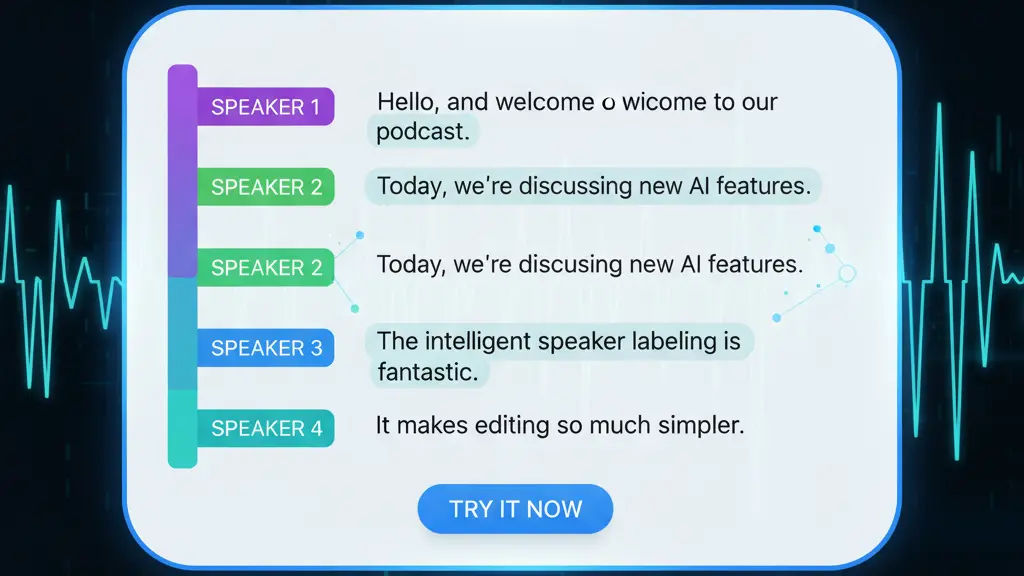
Intelligently distinguish and label each speaker, making transcripts easier to read.
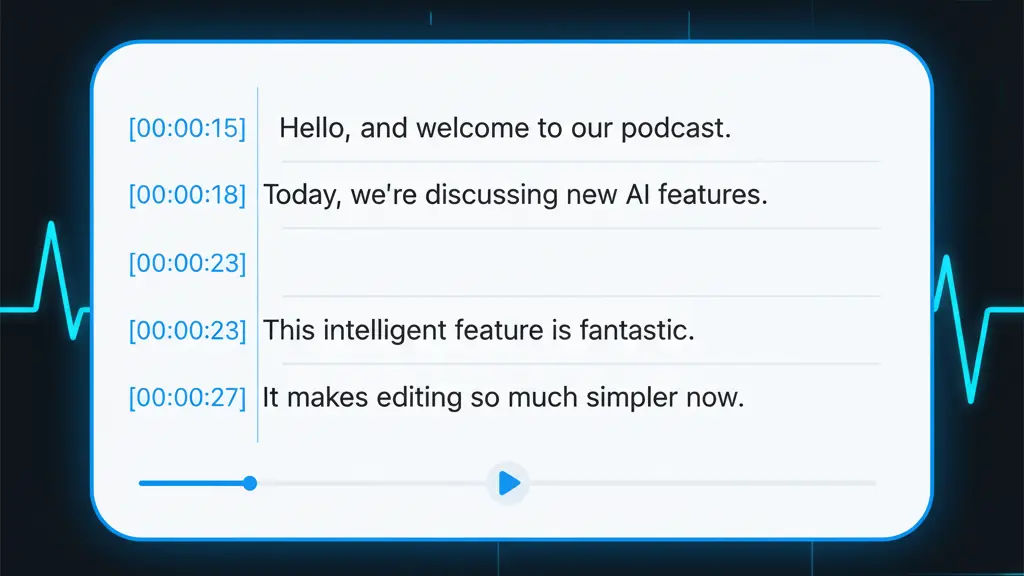
Every word is marked with a time code, allowing for precise navigation to specific moments in the original audio file.
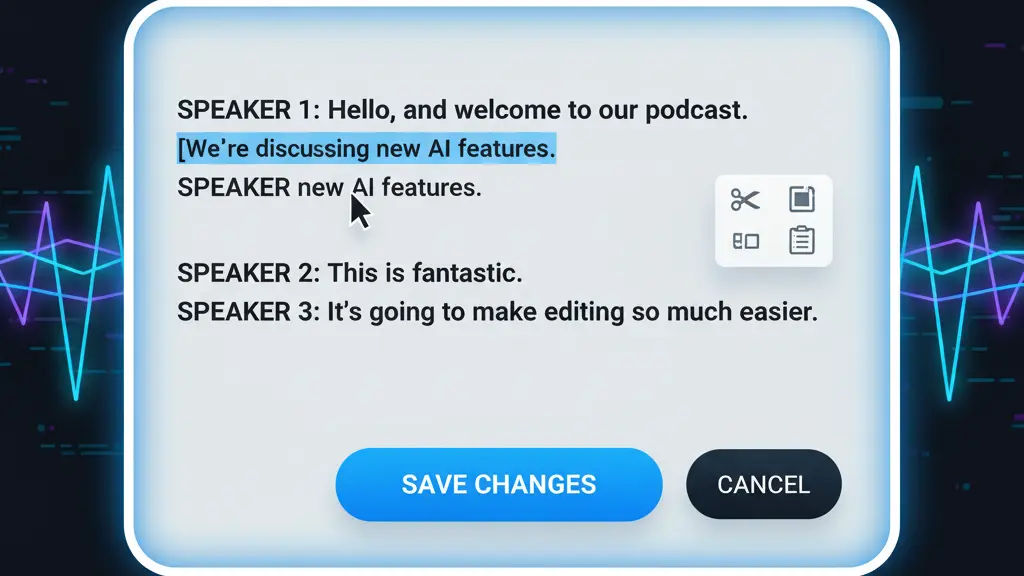
You can cut, paste, and edit the transciption. Allows you to fix errors instantly.
Your audio files are protected and we will not use your data for any other purposes.
Yes! We offer a one month free plan which allows your to try our transription service. Premium plans will unlock more transcription credits, longer recording time, AI summary features, etc.
Our tools are powered by AI, unlike basic recorders that only capture original audio, our Audio to Text Converter not only providies instant high accuracy transcription with speaker identification, but also summarize key points for you, enabling you to raise questions and receive answers.
Yes! In ScreenApp AI, we ensure your content is accessible to a global audience. Just select the transcript that you want to translate and click the Translate button, your translated text will be generated in seconds.
Yes! Our Audio to Text Converter is perfect for teamwork. Easily share transcripts with colleagues, clients, or collaborators with multiple file formats supported.
Try AI Audio to Text Converter Free Online and other AI-powered features for free.